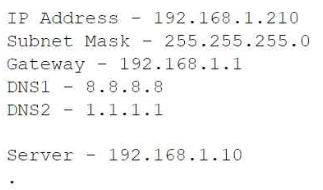
Question 1
SIMULATION -
You are configuring a home network for a customer. The customer has requested the ability to access a Windows PC remotely, and needs all chat and optional functions to work in their game console.
INSTRUCTIONS -
Use the drop-down menus to complete the network configuration for the customer. Each option may only be used once, and not all options will be used.
Then, click the + sign to place each device in its appropriate location.
If at any time you would like to bring back the initial state of the simulation, please click the Reset All button.
Wireless AP LAN -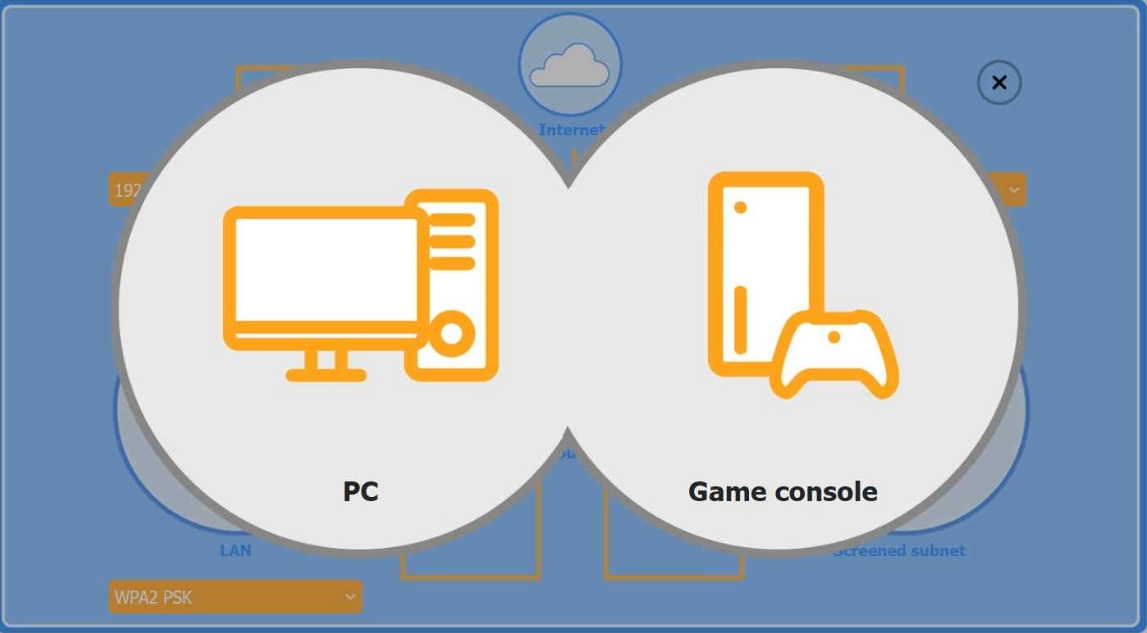
Firewall Screened Subnet -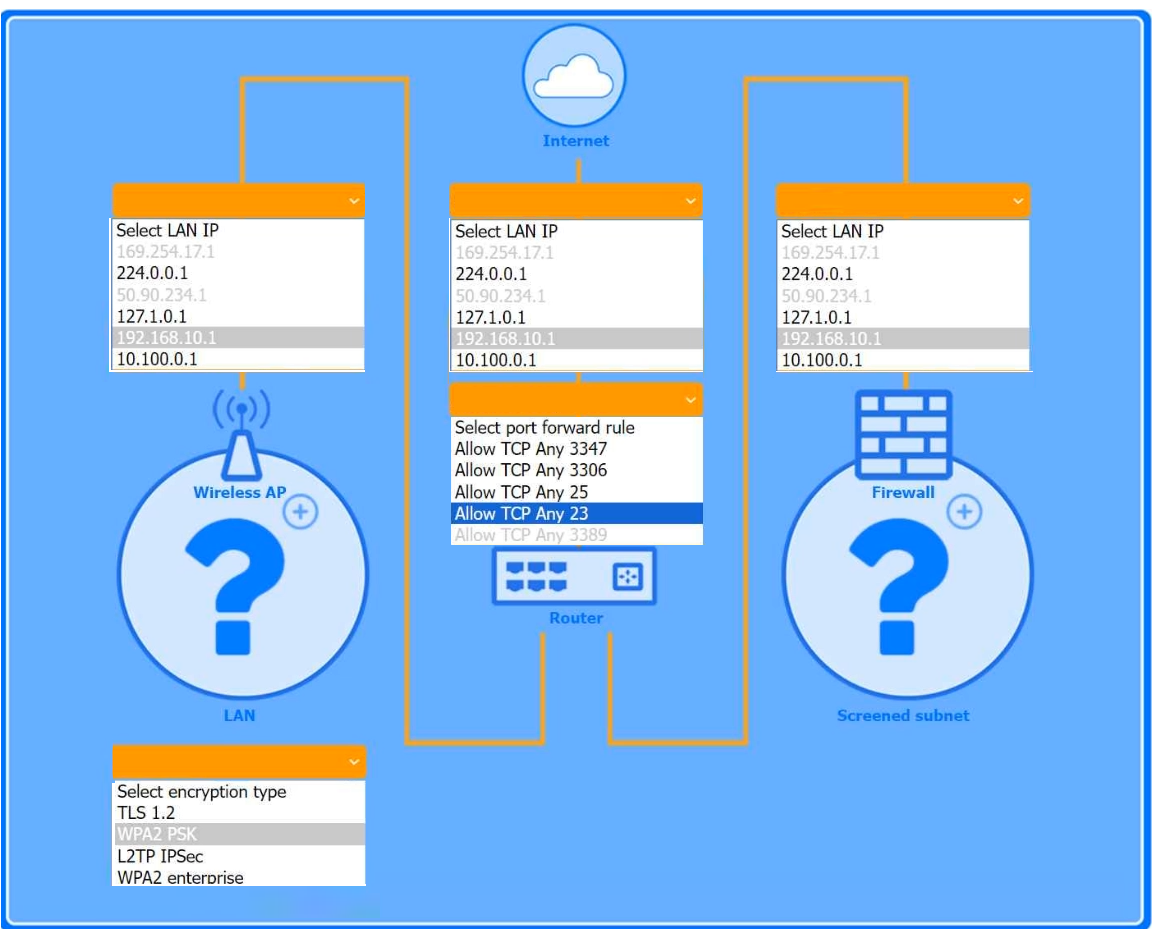
I agree with the suggested solution. To meet the requirements for Remote Desktop Protocol (RDP) and a gaming console with full functionality, specific port forwarding rules must be established within the firewall configuration and the Screened Subnet (formerly DMZ).
Reason
The RDP requirement necessitates forwarding TCP/UDP port 3389 to the internal Windows PC. For the game console, UPnP (Universal Plug and Play) or specific port triggers are required to ensure all chat and optional functions work, which often involves Open NAT settings. Placing the console in a Screened Subnet or configuring Port Forwarding for service-specific ports (like those used by Xbox Live or PlayStation Network) ensures bidirectional traffic is not blocked by the firewall's default deny rule.
Why the other options are not as suitable
- Option A is incorrect because using Telnet (Port 23) or SSH (Port 22) would not allow for a native Windows Remote Desktop session.
- Option B is incorrect because placing the PC in the Screened Subnet without specific port rules exposes the entire device to the public internet unnecessarily, violating the principle of least privilege.
- Option C is incorrect because disabling the Firewall entirely would solve the connectivity issue but create a critical security vulnerability for the home network.